How to Redeem Drone Impact Codes
Be ready the moment a verified promo drops — without phishing risks or wasted matches.
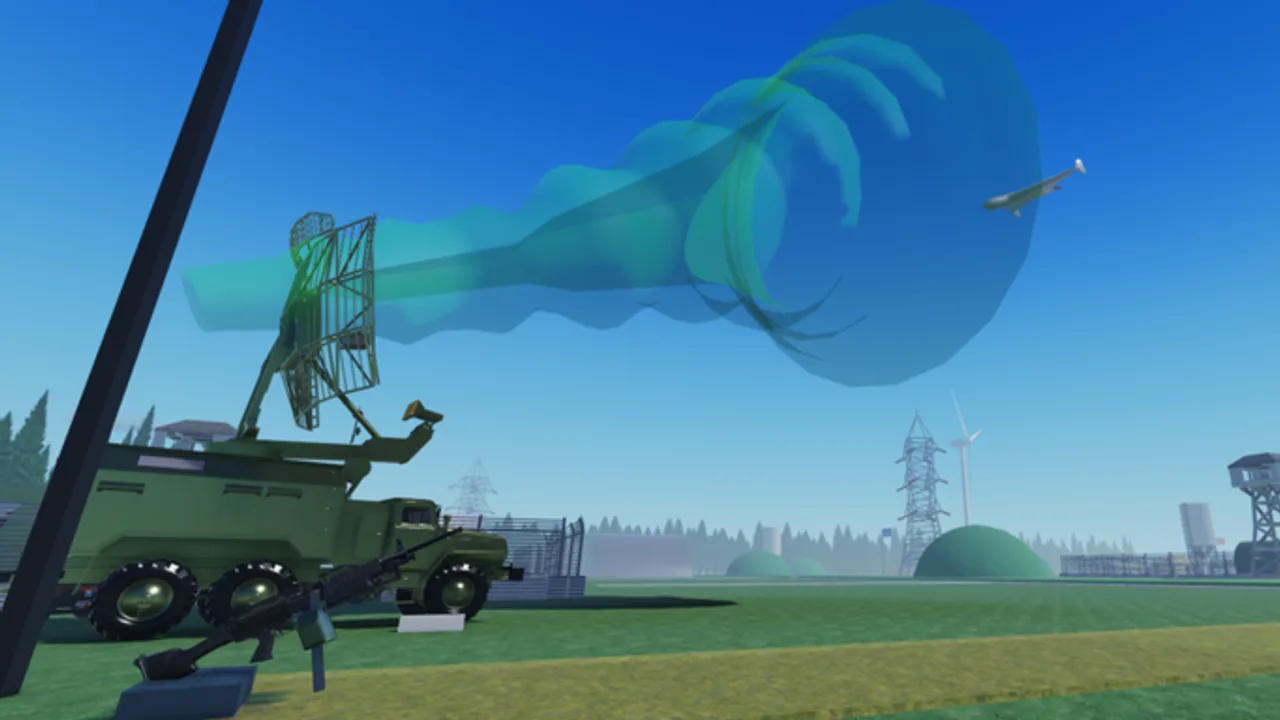
This guide walks through a practical code redemption workflow for Drone Impact [ROCKETS] on Roblox. As of September 2026, the Codes Hub still reports no verified active codes. That does not make this page useless — when creators publish a string after a patch like v1.5.0, players who already know the menu path redeem first while others are still searching Discord mirrors.
Use this as a checklist. Adapt the exact button labels if the developers rename the Codes UI later; the safety rules stay the same.
Before you redeem anything
- Confirm the code on a primary source: the Drone Impact Roblox group, the official game page, or an in-game banner. Cross-check the Codes Hub once we list it.
- Join Roblox on the official client (desktop, mobile, or console supported by Roblox). Do not use browser extensions that inject “auto redeem” scripts.
- Make sure you are logged into the account that should receive the reward — alts will not share cosmetics or boosts unless the game explicitly says so.
- Finish or pause your current Attack/Defend round if the UI requires a lobby. Mid-FPV panic typing is how people mistype codes and burn time while defenders jam the next wave.
- Copy the code carefully. Watch for look-alike characters (0 vs O, 1 vs l). Prefer paste over retyping.
If you are brand new to the experience, skim Getting Started first so you understand Attackers vs Defenders before worrying about promos.
Likely in-game redemption flow
Roblox experiences usually expose codes in one of these places. Check them in order once a code is live:
1. Lobby or main menu Codes button
Many Action / Battlegrounds titles put a Codes or Rewards button near play, shop, or settings. Open it, paste the string, and confirm. Wait for a success toast before closing the panel — some UIs apply rewards only after the confirmation animation finishes.
2. Shop or pass panel
If Drone Impact nests promos beside gamepasses (Thermal vision, Premium missile reload −15s), open the shop, look for a Redeem field, paste, and claim. Do not confuse a Robux purchase confirmation with a free code claim.
3. Chat command pattern
Some games accept /code STRING or !redeem STRING in chat. Only try this if the creators document it. Random slash commands will not invent a pipeline that does not exist yet.
4. Group join reward (not always a typed code)
Occasionally the “promo” is simply: join the Drone Impact group, then press Claim in a group rewards UI. That is still worth checking whenever visits spike after an update.
After a successful redeem, re-open your inventory / loadout so new items appear before the next map vote on layouts such as Abandoned Fields.
After you redeem — verify the reward
- Check whether the gift is cosmetic, currency, ammo, a temporary boost, or a one-time unlock.
- If the reward is combat-related, test it in a low-stakes moment (spawn lobby or early Defense mode wave), not during a critical FPV bomb run.
- Note the expiry. Short-lived boosts should be used on a full session, not left idle.
- If nothing appears, rejoin the server once. Replication lag happens on 12-player battlegrounds.
Then return to fundamentals: attackers still need drones, missiles, rockets, and FPV to break defender infrastructure; defenders still need machine guns, pistols, and electronic warfare (EW / РЭБ) to jam and shoot UAVs down. Codes do not rewrite those roles — see the Players Hub.
Safety rules (non-negotiable)
Never paste your Roblox password, cookie, or .ROBLOSECURITY into a “code redeem” website. Real codes are redeemed inside Roblox.
Never download an executor because a video claimed it auto-redeems Drone Impact codes. That path leads to bans and stolen sessions. Read Script Safety and the Scripts Hub before you even consider third-party tools.
Never trust a code that requires you to like, share, and enter personal data on an unrelated form. Official drops are short strings, not identity quizzes.
Do keep Roblox 2-step verification enabled on your account. A promo cosmetic is not worth losing the account that holds Premium or Thermal vision.
Do teach newer squadmates the same rules. A single compromised teammate can grief your Attack/Defend coordination even if your own account stays clean.
Troubleshooting failed codes
| Symptom | What to try |
|---|---|
| Invalid / not found | Confirm spelling, case, and that the code is for Drone Impact — not another drone game |
| Already redeemed | That account already claimed it; check an alt only if the rules allow |
| Expired | Move on; check Updates for a replacement drop |
| No Codes UI at all | Pipeline may not exist yet — keep watching the group |
| Success text but no item | Rejoin, check inventory filters, then report via official channels |
Avoid spamming the redeem button. Rapid retries can look like client abuse and waste the window where a real limited code still works for friends in your party.
Timing tips around updates
Creators often announce promos next to patch notes. When v1.1.0 (new map / voting / attacker weapons), v1.3.0 (Defense mode + UAV rework), or v1.5.0 (missile system + Premium reload buff) style updates ship, open the patch notes and the Codes Hub together. Redeem first in the lobby, then vote maps and lock loadouts using the loadout checklist.
If you play Defense mode, redeem before wave one of the ~75 UAV pressure so you are not alt-tabbing during EW windows.
Fiction and expectations
Drone Impact is a fictional Roblox battleground about drones and air defense — not a commentary on real conflicts. Promo rewards are game items only. Do not treat them as “military” unlocks outside the experience.
Related links
- Codes Hub — live verified status (none as of Sep 2026)
- Getting Started — core Attack/Defend onboarding
- Updates Hub — where promo timing often lines up
- Gamepasses — paid QoL while you wait for free codes
- Tools Hub — pre-match habits that win more games than a missing promo
Stay patient, stay official-client only, and treat every unverified string as guilty until proven redeemable.
Frequently Asked Questions
Quick answers for Attackers, Defenders, and new pilots.
Can I redeem Drone Impact codes right now?
Only if a verified code exists. As of September 2026 the Codes Hub lists none. Use this guide to prepare the workflow for when one drops.
Where should I enter a code?
Inside the official Roblox client while in Drone Impact — typically a Codes/Rewards button, shop redeem field, or a documented chat command. Never on password phishing sites.
What if the code says invalid?
Check spelling and case, confirm it is for this game, and verify it has not expired. Do not try random mutations of the string.
Are code redeem scripts safe?
No. Executors and auto-redeem tools violate Roblox rules and risk bans or stolen accounts. See Script Safety for details.
Should I redeem before or during a match?
Prefer the lobby before map voting or Defense mode waves so you do not mistype under FPV or EW pressure.